FOR INDIVIDUALS
Windows Productivity Tools
Explore useful Windows tools to simplify file management, search, storage organization, and clipboard activities.
Explore Windows Tools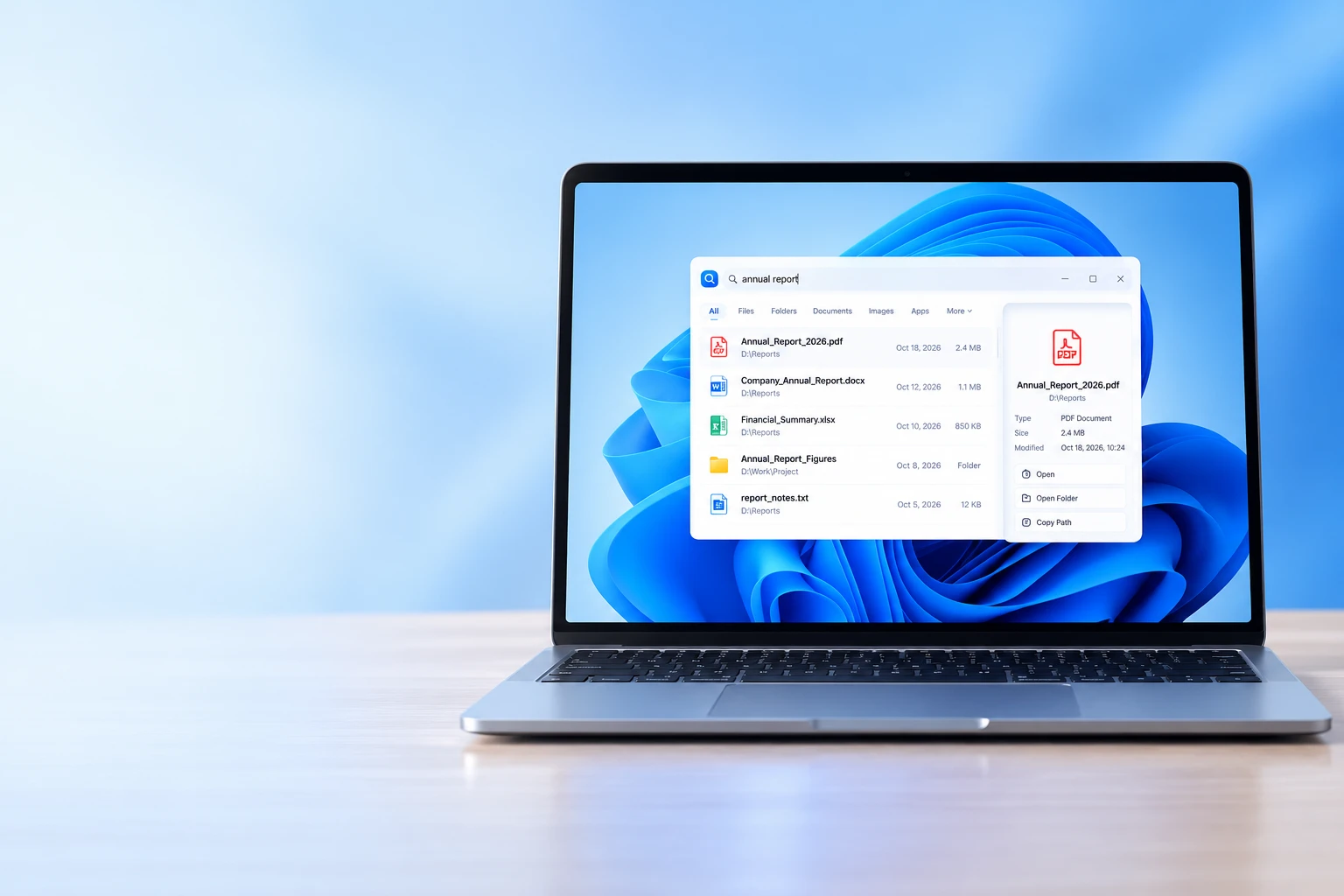

From powerful Windows productivity tools to custom websites, CRM systems and workflow automation, Hozina Technologies helps individuals and businesses make everyday work simpler.
Technology should make everyday work easier to manage, not create additional complexity. At Hozina Technologies, we focus on practical software products and digital solutions that help people organize their work, manage information, and improve business processes.
Explore useful Windows tools to simplify file management, search, storage organization, and clipboard activities.
Explore Windows Tools
Explore website development, custom CRM systems, and workflow automation designed around your business requirements.
Explore Business Services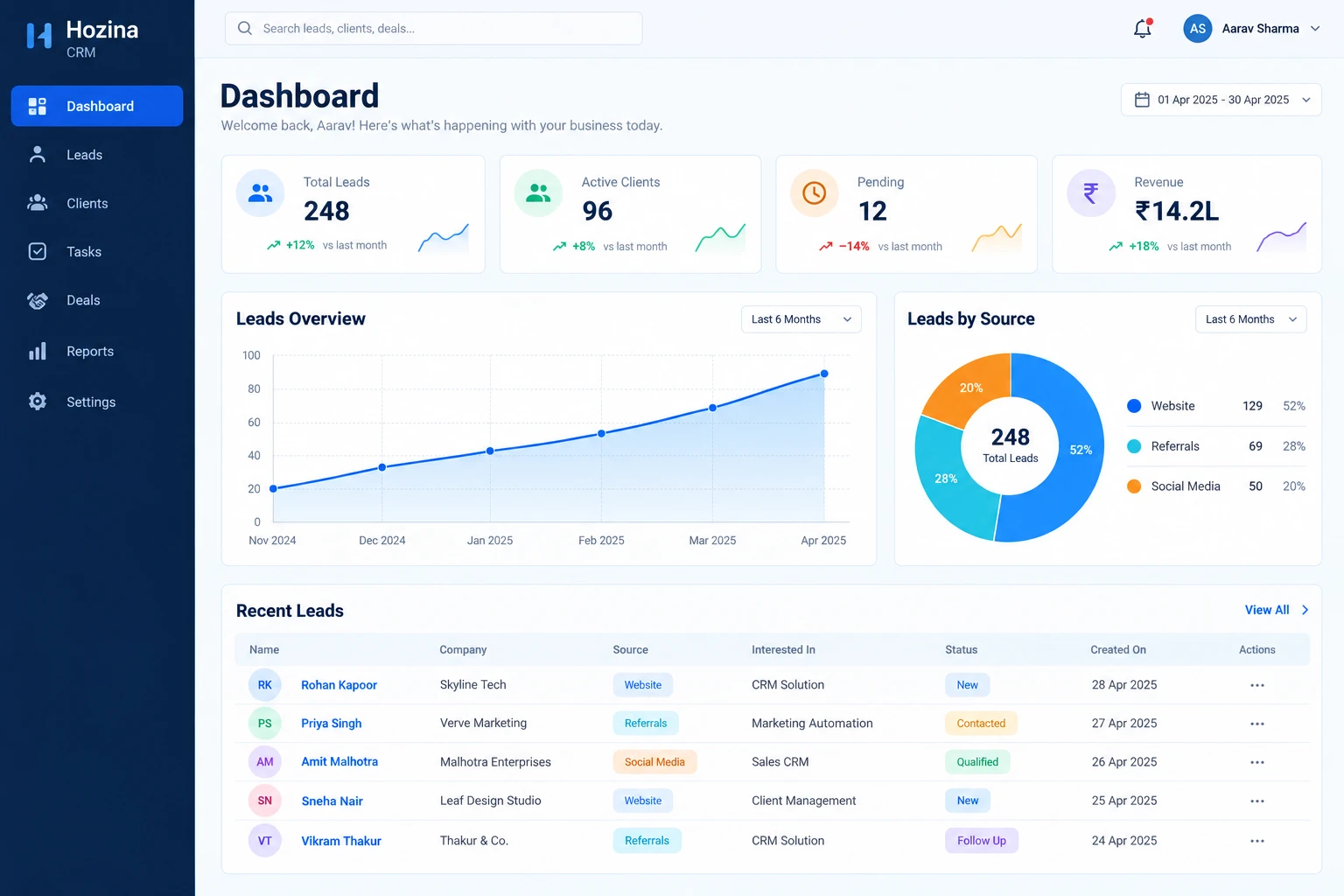
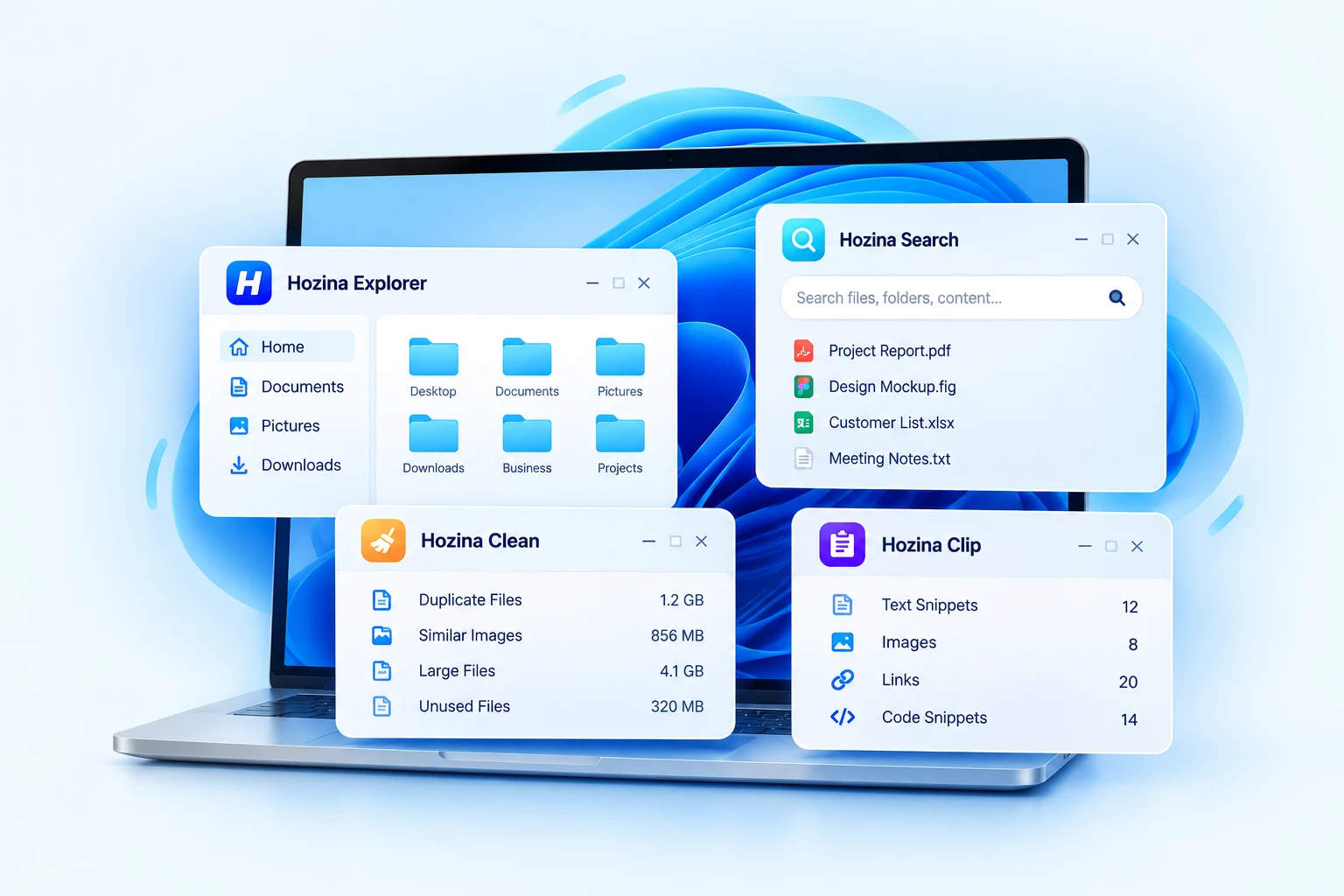
Useful software does not need to be complicated. Hozina Windows tools are designed around everyday tasks that people regularly perform on their computers. From browsing files and finding information to identifying unnecessary files and managing copied content.
A modern file manager that helps you browse, organize and manage your files with a clean interface.
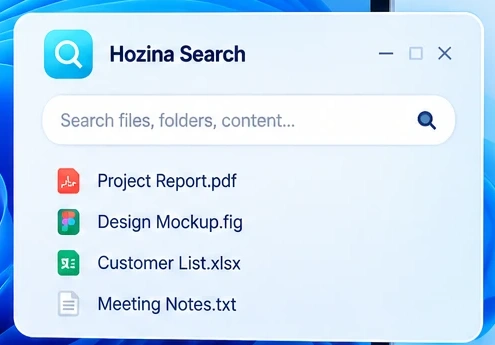
Find your files, documents, photos and other information more easily with a dedicated search experience.
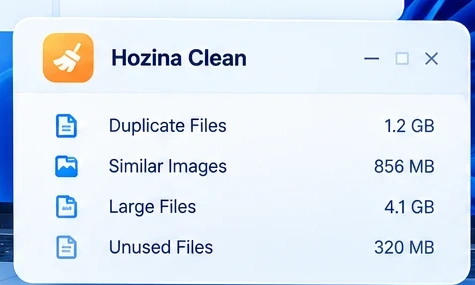
Identify duplicate files, large files and unnecessary items that may be occupying storage space.
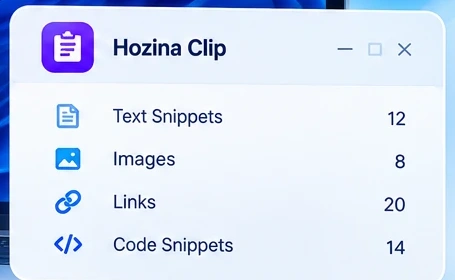
Save, search and organize your clipboard history and frequently used information.
A website should communicate your business clearly. A CRM should reflect how your team manages customers and enquiries. Workflow automation should reduce repetitive tasks. We develop solutions tailored to your requirements.
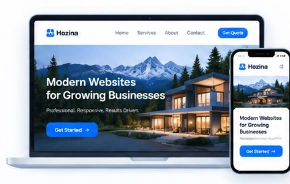
Modern, responsive websites that present your business clearly and work across all devices.
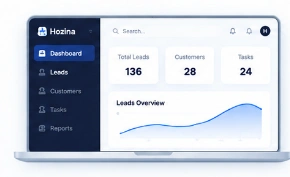
Manage leads, customers, tasks and follow-ups with a CRM built for your business.
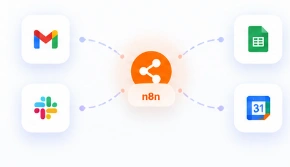
Automate repetitive work and connect your existing tools through practical workflow solutions.
Estimate the potential value of automating repetitive work and understand possible time and cost savings.
Explore a sample CRM environment and see how leads, customers and follow-ups can be organized.
Turn your idea into a clear project brief with important features, requirements and next steps.
Tell us about your goals, requirements and the problems you want to solve.
We propose a suitable approach, discuss the requirements and finalize the project scope.
We build the agreed solution and test it against the requirements.
We deploy the solution and provide ongoing support as needed.
Real-world solutions designed around genuine requirements.
Transparent processes and regular updates throughout the project.
Tailored solutions based on your actual business requirements.
We are here to help even after launch, as per the agreed scope.
Hozina Technologies develops Windows productivity tools and provides digital solutions for businesses. Its offerings include Windows software, website development, custom CRM development, and workflow automation and integrations.
Hozina's Windows tool collection includes Hozina Explorer, Hozina Search, Hozina Clean, and Hozina Clip, focusing on file management, file searching, storage cleanup, and clipboard productivity.
Yes. Hozina provides website development for different business requirements, including static and dynamic websites, responsive design, and SEO-friendly website structures.
Yes. Hozina offers custom CRM development through Hozina CRM, including lead and customer management, tasks, follow-ups, notes, custom fields, workflows, reports, and user access control.
Hozina can assess suitable workflow automation and integration opportunities using platforms such as n8n and Microsoft Power Automate across forms, emails, data processes, and connections between business tools.
Ongoing support can be discussed for website, CRM, and automation projects as part of the agreed project arrangement.
Yes, Hozina provides interactive tools and sample experiences, including the Time-Saving Calculator, Hozina CRM Demo, and Project Brief Builder.
You can begin by using the Discuss Your Project option and explaining your goals, current process, and requirements.