Tool Integration
Connect tools like Google Workspace, Gmail, Google Sheets, Google Calendar and more.
Connect your existing tools and automate repetitive tasks with practical workflows. Save time, reduce manual work, and keep data in sync across the tools you already use.
Automate Daily Tasks
Integrate Your Tools
Keep Data in Sync
Save Time and Effort
Practical automation and integrations for your business needs.
Connect tools like Google Workspace, Gmail, Google Sheets, Google Calendar and more.
Set up workflows to automate repetitive tasks, notifications and data updates.
Keep your data in sync between different systems and reduce manual work.
Automate lead capture, form submissions, follow-ups and other routine processes.
Connect your existing websites, CRM or internal tools to streamline your workflow.
Get automated reports and notifications via email or other channels.
Start with what you need now and scale as your business grows.
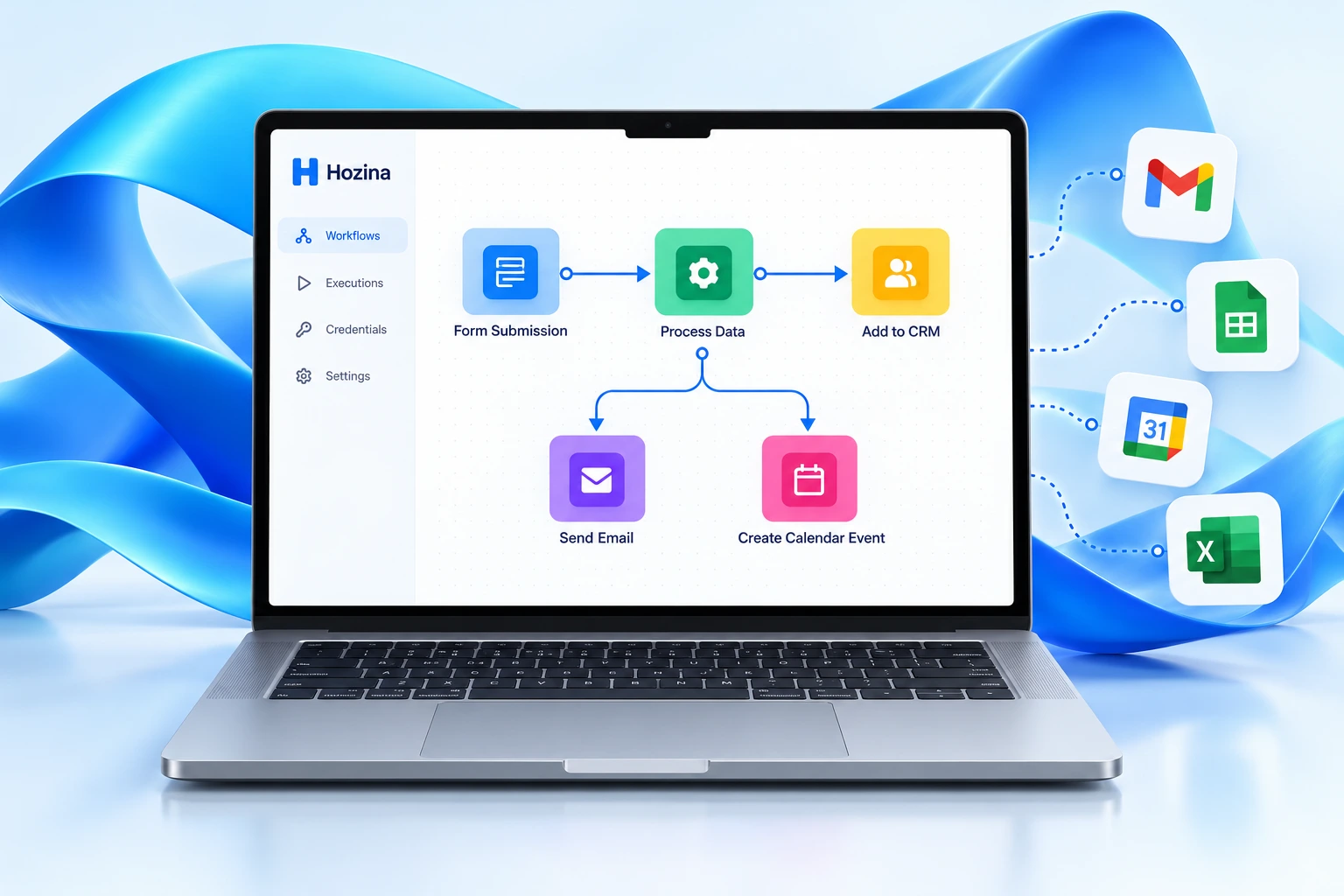
A practical example of connecting your tools and eliminating repetitive steps.
Data from multiple sources
Built using n8n / Power Automate, as appropriate.
Your data in the tools you use
Illustrative workflow. Connections depend on API access, permissions, provider limits, and agreed project scope.
Practical ways to connect your tools and automate everyday work.
Automatically add website leads to your CRM and send notifications.
Save form submissions to Google Sheets and notify your team.
Create calendar events from form submissions or CRM data.
Send automated email reminders for follow-ups and pending tasks.
Keep customer or lead data in sync across different platforms.
A simple and transparent process from start to finish.
Understand your current tools, processes and automation needs.
Suggest the best workflow and integration approach.
Build, test and refine the workflows.
Set up in your environment and provide initial guidance.
We can connect tools with supported APIs or integration methods, such as Google Workspace, Gmail, Google Sheets and Google Calendar. We review access, limits and requirements before agreeing the scope.
n8n and Microsoft Power Automate are possible options. We choose the approach based on your tools, requirements, licensing, hosting and maintenance arrangements.
Yes, where your system provides an API or supported integration method. We review the available interfaces, permissions and data requirements first.
We provide documentation and initial guidance for the agreed workflows. Any additional training, managed hosting or ongoing maintenance is discussed separately.
Tell us about your requirements and we’ll suggest a practical approach
for your workflow and integrations.