Free Up Disk Space
Review duplicate and unnecessarily large files.

Find duplicate files and discover large files worth reviewing on your Windows PC. Take a closer look at your storage before deciding what to keep and what to remove.
Find Exact Duplicates
Discover Large Files
Review Before Removal
Focused File Scanning
Compatible with Windows 11 & Windows 10 (64-bit) • 100% Local & Private • Safe Deletion
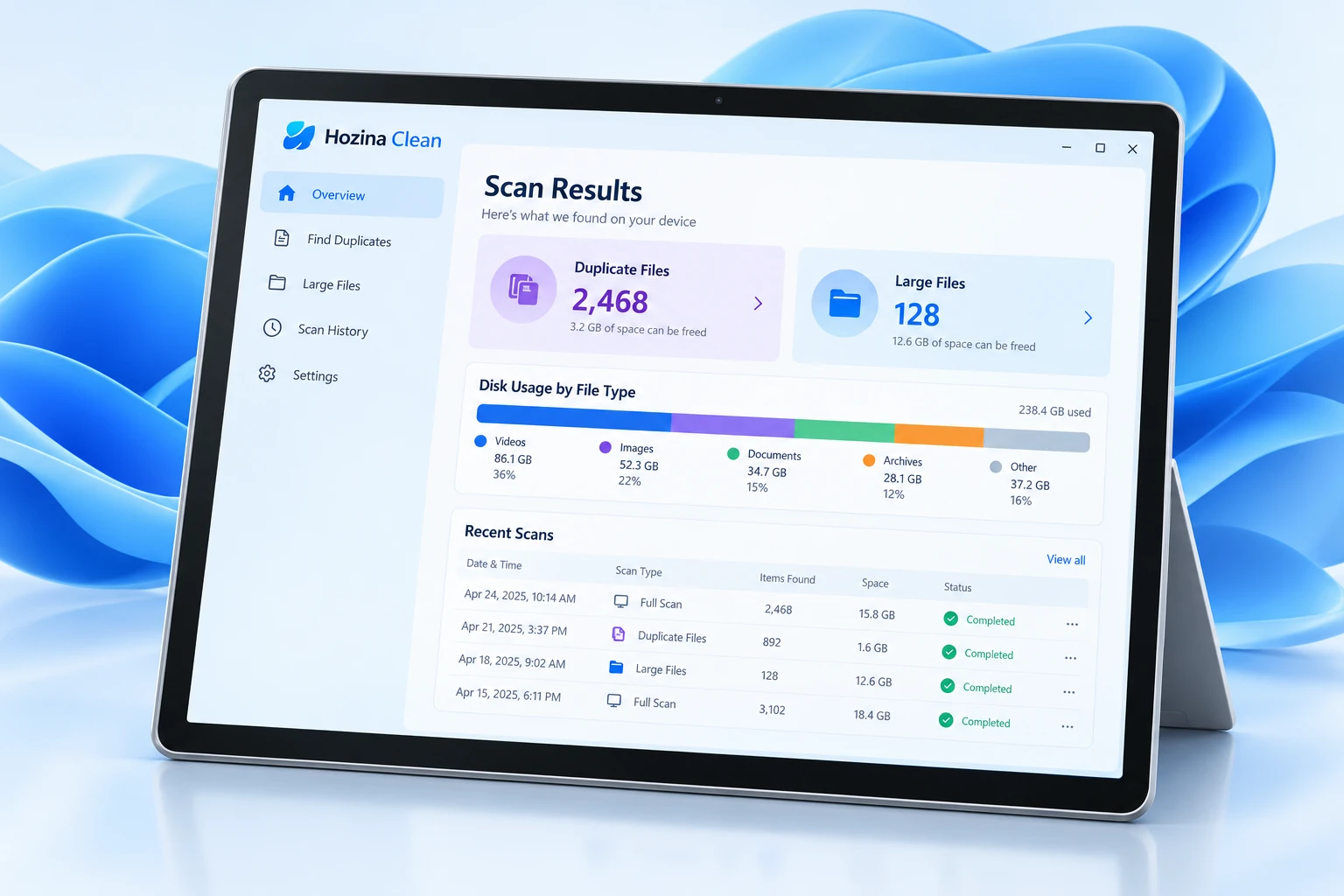
Review duplicate and unnecessarily large files.
A clearer view of files before making a decision.
Choose which files should stay and which can go.
A clean and simple Windows-style design.
Product-specific safeguards will be documented with the release.
Planned tools to help you review and organize your PC’s storage
A content-comparison approach to finding identical files, beyond their names.
Review files above a configurable size threshold and see what deserves a closer look.
Inspect file information and intended image or document previews before removal.
A planned review-and-move workflow. Recycle Bin behavior will be verified before release.
Planned controls for skipping system folders and locations you want to exclude.
A proposed way to revisit previous scan results over time.
A review-first cleanup workflow in four simple steps
Choose folders or drives to scan.
Find duplicate files and identify large files.
Preview matches and select exactly what to remove.
Move selected files to the Recycle Bin for a safer cleanup.
Product Details & Specifications
Hozina Duplicate & Large File Cleaner Pro is an offline, high-speed Windows storage optimizer engineered to safely recover wasted disk space. Combining progressive multi-stage SHA-256 deduplication, interactive visual treemaps, and side-by-side file review, it empowers users to eliminate redundant gigabytes with complete confidence and zero risk of accidental data loss.
Progressive 4-stage cryptographic SHA-256 engine eliminates 90%+ of non-duplicate candidates in milliseconds, guaranteeing zero false positives.
Interactive zoomable treemap and customizable size filters instantly spotlight space-hogging media libraries, forgotten downloads, and bloated caches.
Non-destructive scanning with hardcoded system directory protection locks and safe Recycle Bin routing allows one-click file recovery anytime.
Fully certified across 64-bit Windows desktop and workstation editions:
Multi-core work-stealing parallelism for fast background hashing:
Streams files in bounded memory blocks without consuming excessive RAM:
Ultra-compact native binary with an embedded local SQLite engine:
Supports multi-monitor setups and high-resolution displays up to 4K:
Runs safely within standard user privileges without UAC elevation:
Performs size pre-checks followed by 16KB header fingerprinting before reading entire files, maximizing scanning throughput and sparing drive wear.
GPU-accelerated canvas treemap renders folder distributions in milliseconds, highlighting hidden multi-gigabyte files and folders effortlessly.
Never loads entire files into memory. Streams files in small 256 KB buffers to ensure low garbage collection overhead and prevent system stutter.
Review high-resolution image comparisons and file metadata side-by-side before committing any deletion actions.
Certified compatibility across 64-bit Windows environments:
Built-in safety shield prevents accidental damage to Windows:
Clean files with zero risk of permanent accidental data loss:
Safely navigates all storage media and cloud sync services:

A practical tool for a more deliberate file cleanup workflow.
Availability and pricing will be confirmed with the release.