Instant Search
Find files, folders, content and apps in seconds.


Find Anything. Instantly.
Hozina Search is designed to help you find files, folders, documents and more through a clean search experience. Preview a workflow that brings content, useful filters and quick actions together.
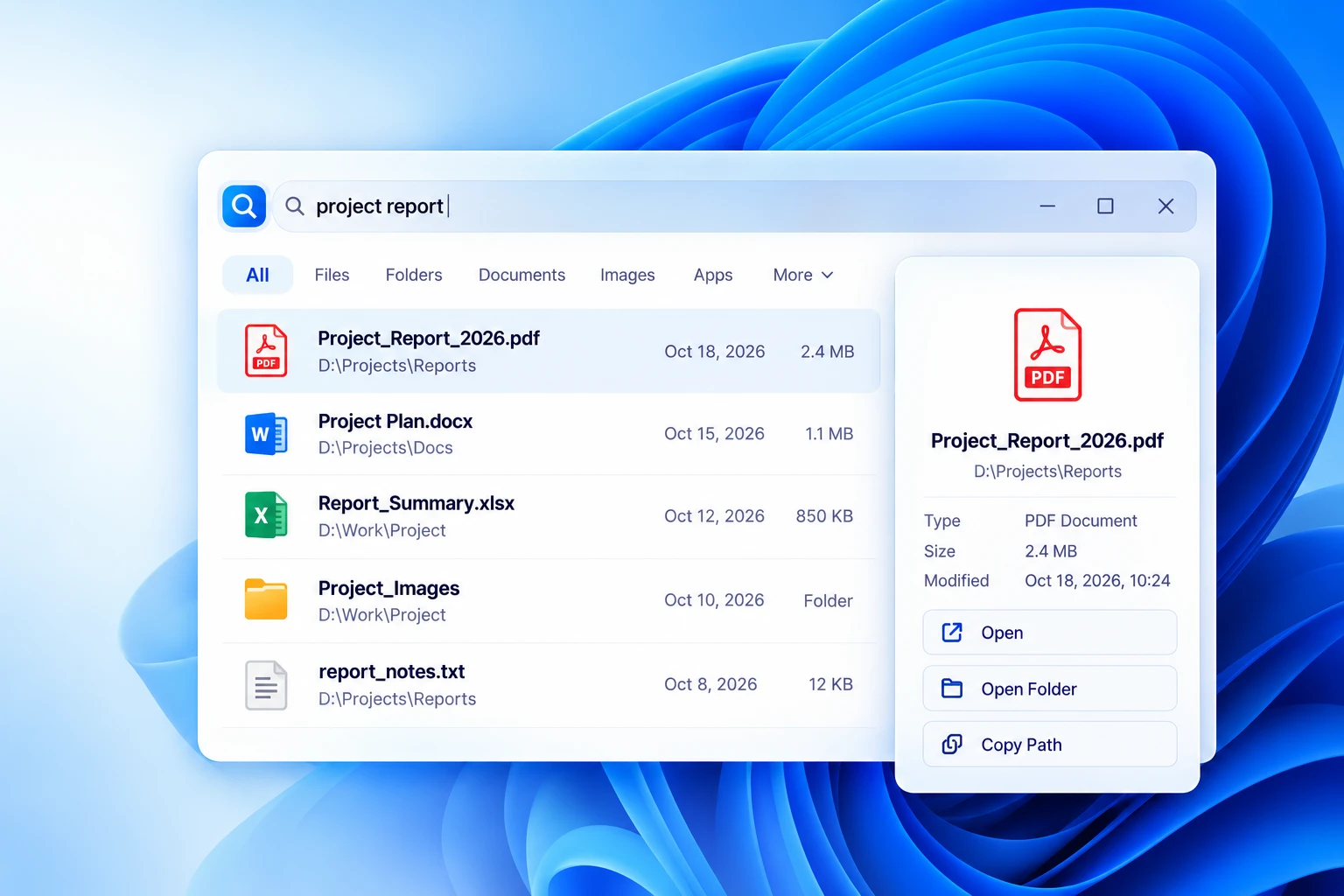
Find files, folders, content and apps in seconds.
Search inside PDFs, Office documents, code files and more.
Quickly launch installed applications.
A modern search experience
Discover a clean, intuitive and powerful search experience inspired by modern desktop environments, designed to help you find what you need with less interruption.
Press Ctrl three times
Search beyond file names
A search direction that goes beyond filenames to bring useful information from documents, spreadsheets, presentations, code and more into one workflow.
Word
Excel
PowerPoint
Text & Code
Images
Emails
Markdown
Archives
and more...
Formats shown are a preview.
Powerful features for everyday use
A practical feature direction to help you work faster and stay organized.
Filter by file type, size, date, folder, and more.
Search and launch your applications instantly.
Quick calculations and useful everyday conversions.
Advanced indexing and smart ranking for relevant results.
Access your files through a modern web interface in your browser.
Keep the index in step as files are added, modified or deleted.
How it works
A simple search workflow, from a quick shortcut to finding your files and choosing the next action.
Press Ctrl three times from anywhere in Windows.
Type what you are looking for using simple keywords or filters.
See relevant files, folders, apps and content as you type.
Open, preview, copy path, open folder and more.
Built for Windows
Whether you are a student, professional or power user, Hozina Search is designed to help you find what you need, save time and stay focused.
Coming Soon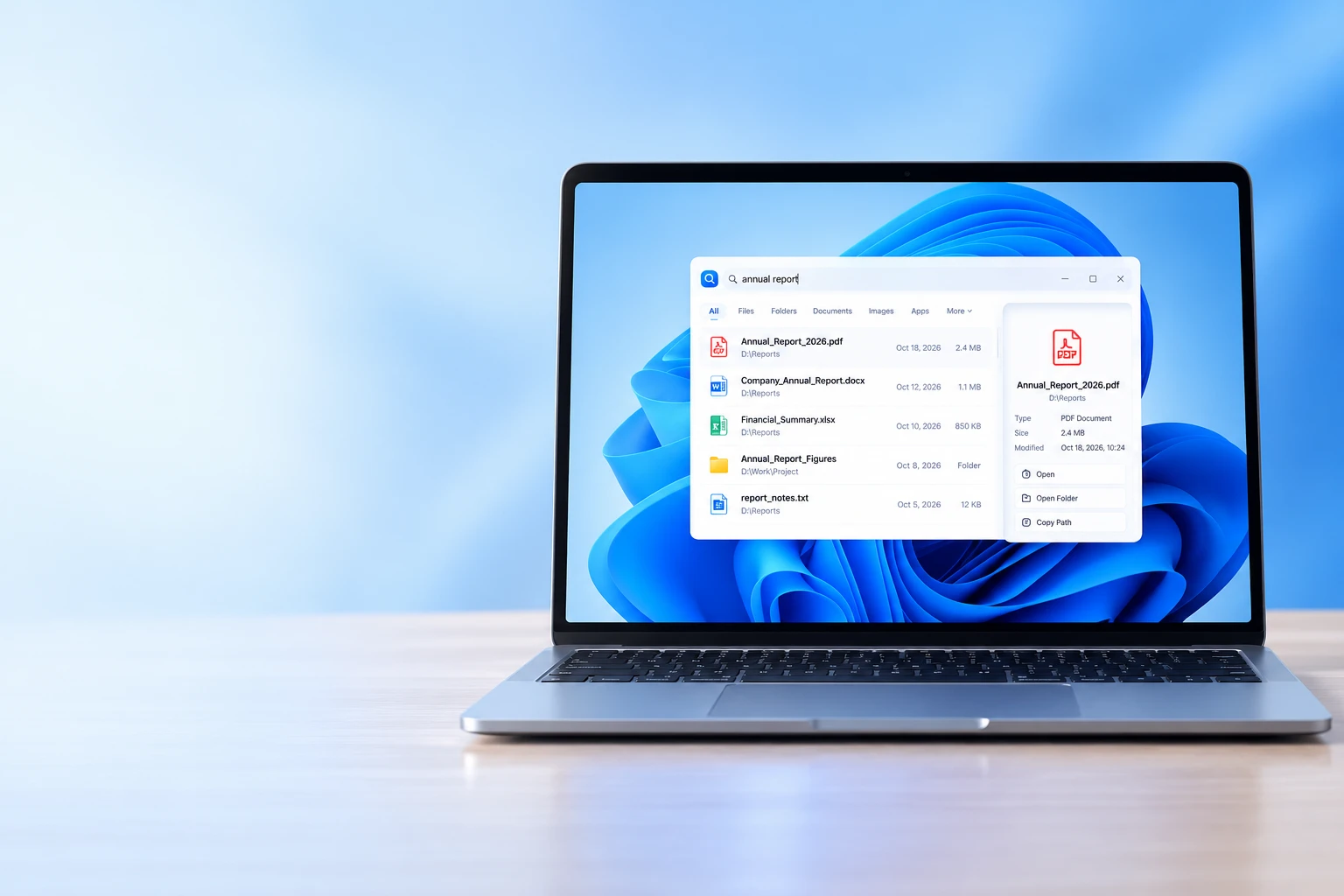
Product Details & Specifications
Hozina Search is a native, ultra-responsive desktop search utility engineered to replace sluggish system search. Summoned instantly with a customizable hotkey (Triple-Tap Ctrl), it indexes your files, applications, and document contents locally, delivering typo-tolerant search results in milliseconds without sending a single byte of data off your PC.
Typo-tolerant fuzzy matching across filenames, metadata, and deep full-text extraction inside PDF, Word, Excel, and code files with sub-15ms response.
Smart power listeners auto-pause heavy indexing when on battery power or during gaming sessions, preserving battery life and system responsiveness.
All index databases and search terms are kept strictly on your local PC. Zero telemetry, zero web queries, and zero background analytics.
Comprehensive compatibility with modern 64-bit Windows releases:
Multi-core parallelism for background document text indexing:
Handles indexes of 500,000+ files while keeping system RAM clean:
High-speed embedded SQLite database with zero runtime bloat:
Adapts seamlessly to multi-monitor setups and custom summon keys:
Runs safely within standard user privileges without UAC elevation:
Searches through hundreds of thousands of files in milliseconds with real-time fuzzy matching, typo tolerance, and instant ranking.
Detects when your laptop is unplugged or running in battery saver mode and automatically suspends heavy index rebuilds.
Reads and indexes full-text content inside PDF, Word, Excel, PowerPoint, code files, and plain text documents locally.
Type math equations or conversions directly into the search bar for immediate answers without opening a browser.
Comprehensive support across all modern 64-bit Windows environments:
Comprehensive full-text and filename indexing across format standards:
Efficiently scans and tracks changes across all connected storage:
Your personal search history and file paths never leave your device: