Understand
Walk through the current task and the outcome you want.

Review the frustrating part of an existing website or application before deciding whether a smaller change will solve it.
A team might keep its existing customer system but add a clearer follow-up screen or an export that removes a repeated spreadsheet task.
Changes depend on source-code access, platform restrictions, existing software quality, licences, and technical feasibility. We assess these before recommending an approach.
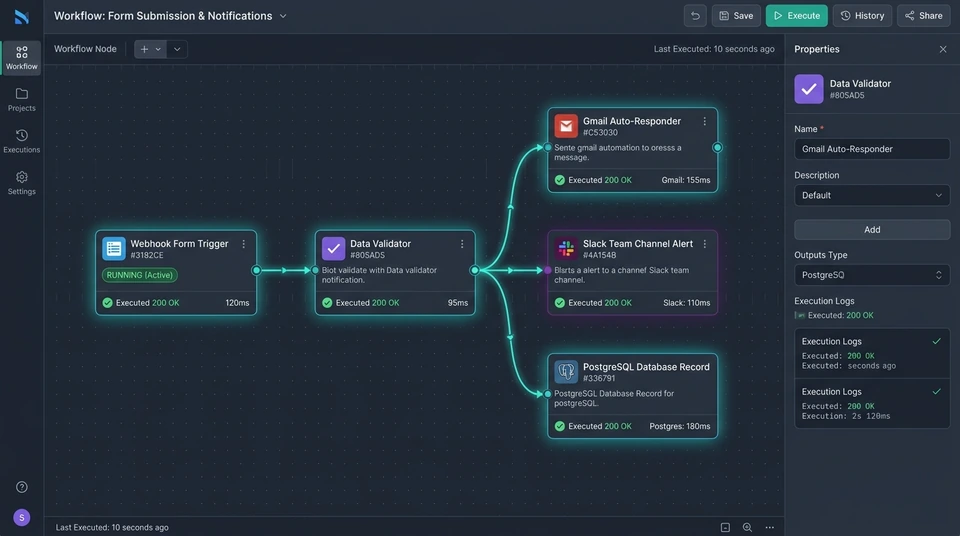
Walk through the current task and the outcome you want.
Agree the work, dependencies, cost, and responsibilities.
Review progress and refine the agreed solution.
Check important scenarios and prepare for use.
Possibly, depending on code access, ownership, licences, and the platform. We need to assess it first.
Only where the assessment supports it. Extending or simplifying the current system may be the more practical option.
Yes. A clear, limited scope is often a useful way to address one important problem.
Use sample data, your own estimates, or a short guide to make the next conversation clearer.
Explore customer records, sales stages, notes, and next actions using browser-local sample data.
Open the CRM demo ↗Adjust the assumptions and see the potential value of reclaimed time. Results are illustrative, not guarantees.
Use the calculator ↗Describe the current problem, choose priorities, and download a useful starting brief.
Build your brief ↗Tell us what gets in the way. We can start with the problem.